Unofficial No Man’s Sky companion
Atlas Field Kit
Made by Subspace Foundry. It runs on your computer and keeps a catalogue and field tools beside a session, whether the game is open or not.
In the kit
Modes packed into Atlas Field Kit. Select a still to enlarge.
Overview
Atlas Field Kit is an unofficial companion for No Man’s Sky. The catalogue, field notes, portal directory, and expedition archive are packed into the app, so those pages stay available without a network. A tray icon stays in the notification area while the kit is running, and the pages open in your browser.
Not affiliated with Hello Games. No Man’s Sky is a trademark of its respective owners.
Packed offline tools
Core pages ship inside the app so you can work next to a session without relying on a live connection.
- Catalogue · packed reference kept available offline
- Field notes · notes beside your journeys
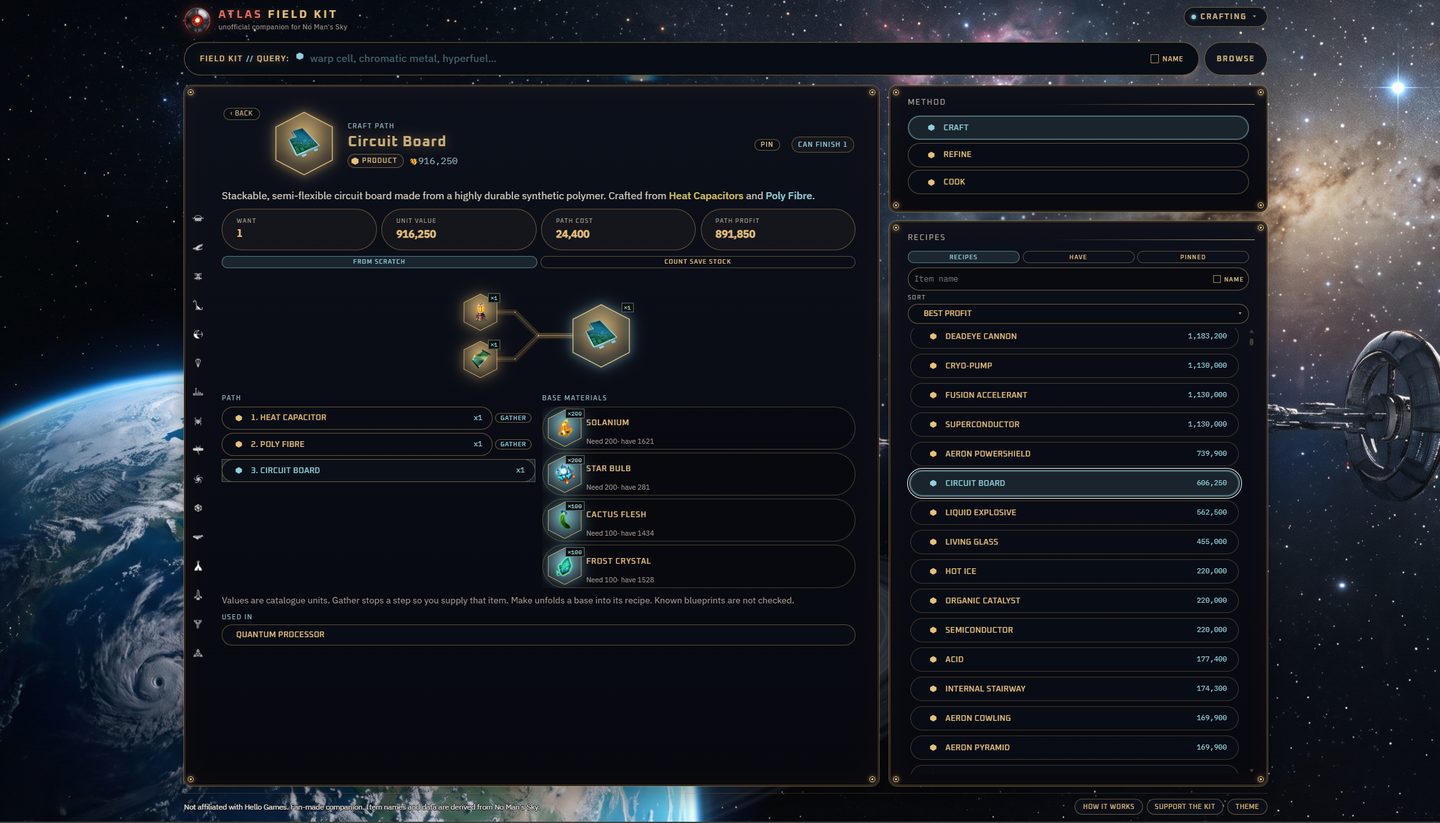
- Crafting · plans a recipe across craft, refine, and cook: steps, materials, and catalogue value. Set how many you want, pin a plan on the device, and see every packed recipe that uses the item you have open
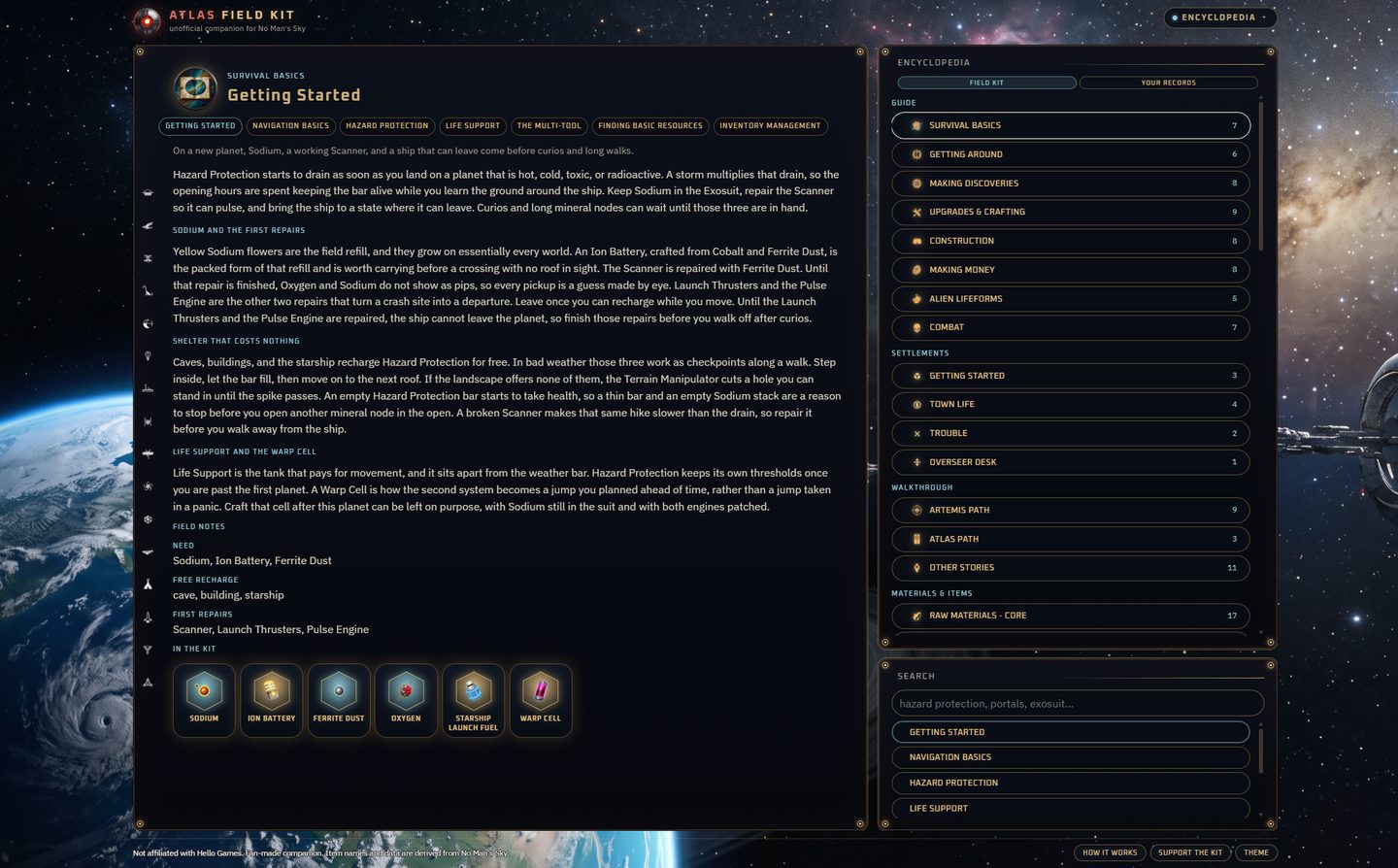
- Encyclopedia · in-game guide, settlement notes, walkthroughs, and catalogues of materials, technology, construction, worlds, and the galaxy
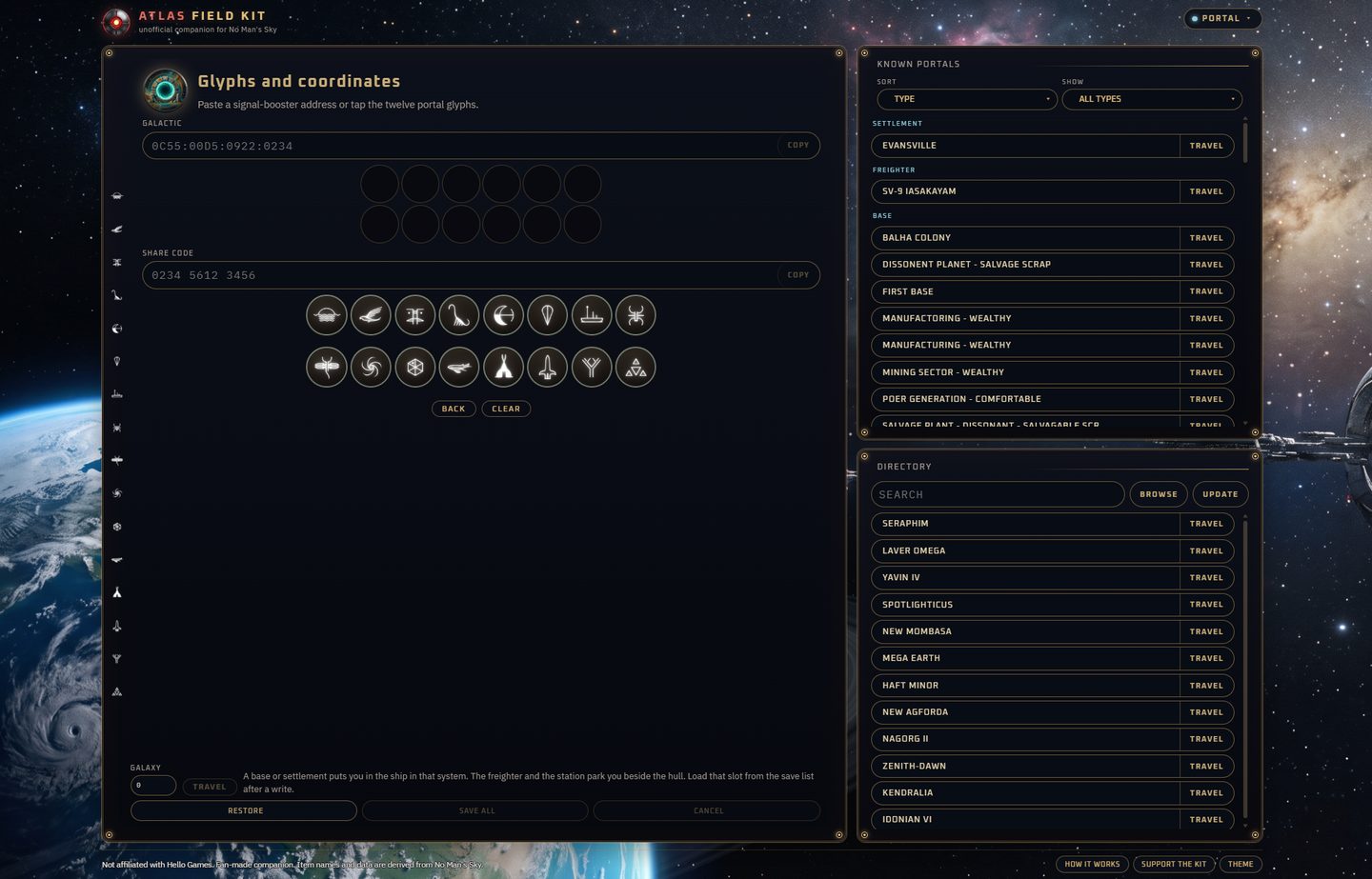
- Portal · turns a signal-booster address and a twelve-glyph code into each other, and keeps a directory of public addresses
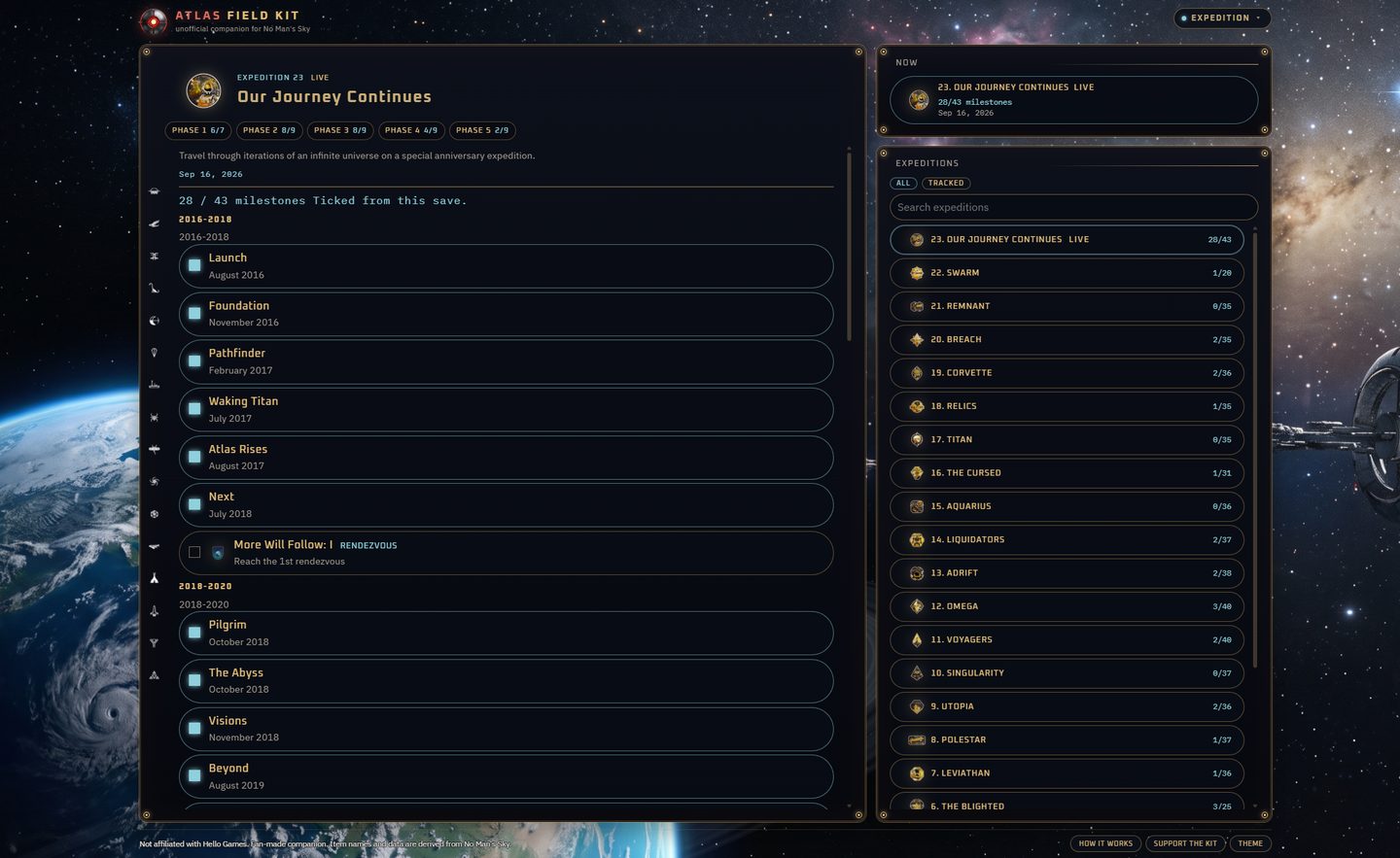
- Expedition · seasonal milestones so a season can be tracked next to the game
Windows Live Data
On Windows, Live Data reads the last Steam or GOG save on that PC and feeds inventory, fleet, settlement, and related tools from that file.
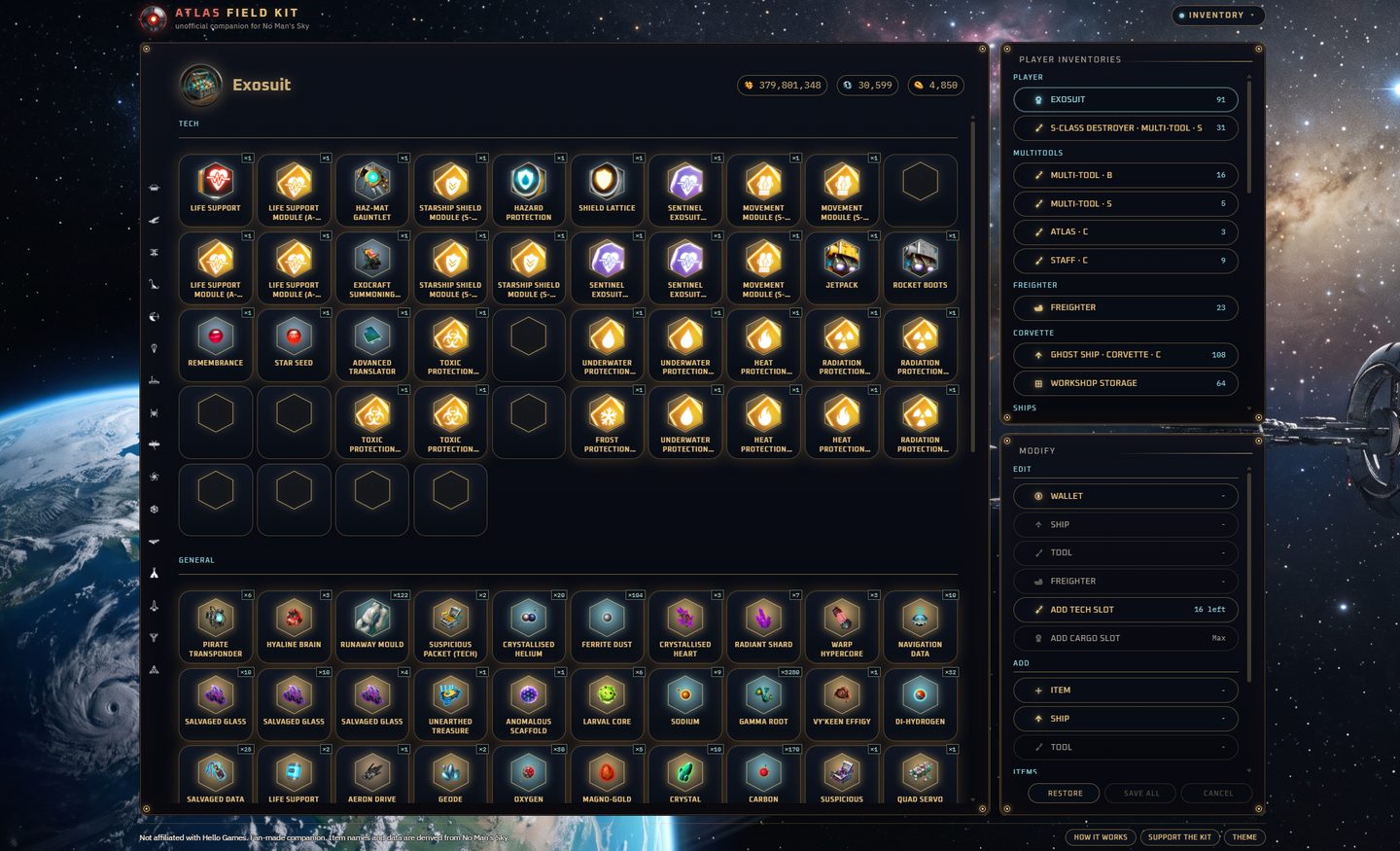
- Inventory · bags in the file from exosuit, ships, and multitools to freighter, built storage, and companions. Queue changes to currencies, stacks, names, and classes
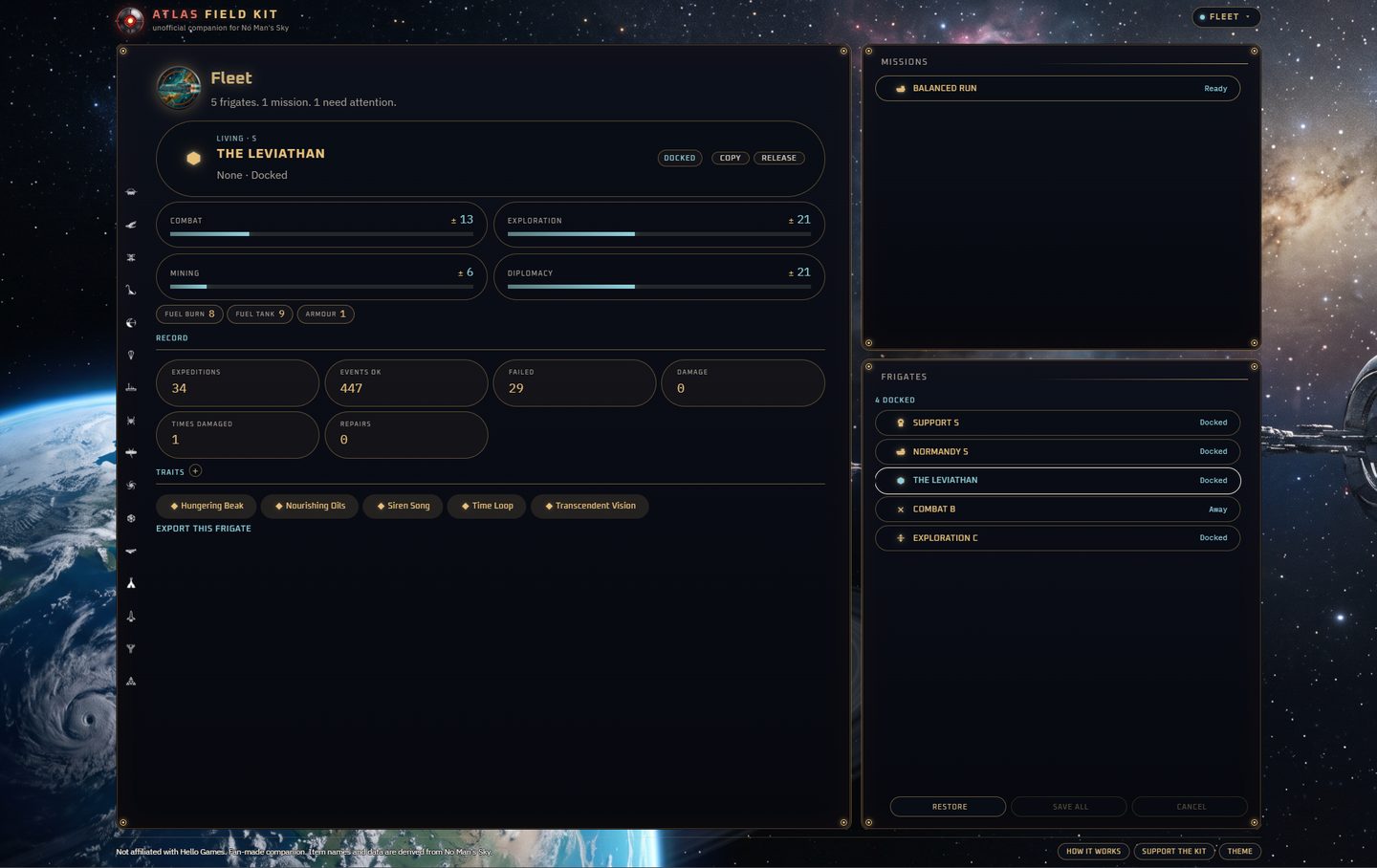
- Fleet · missions already under way and the frigates in the save
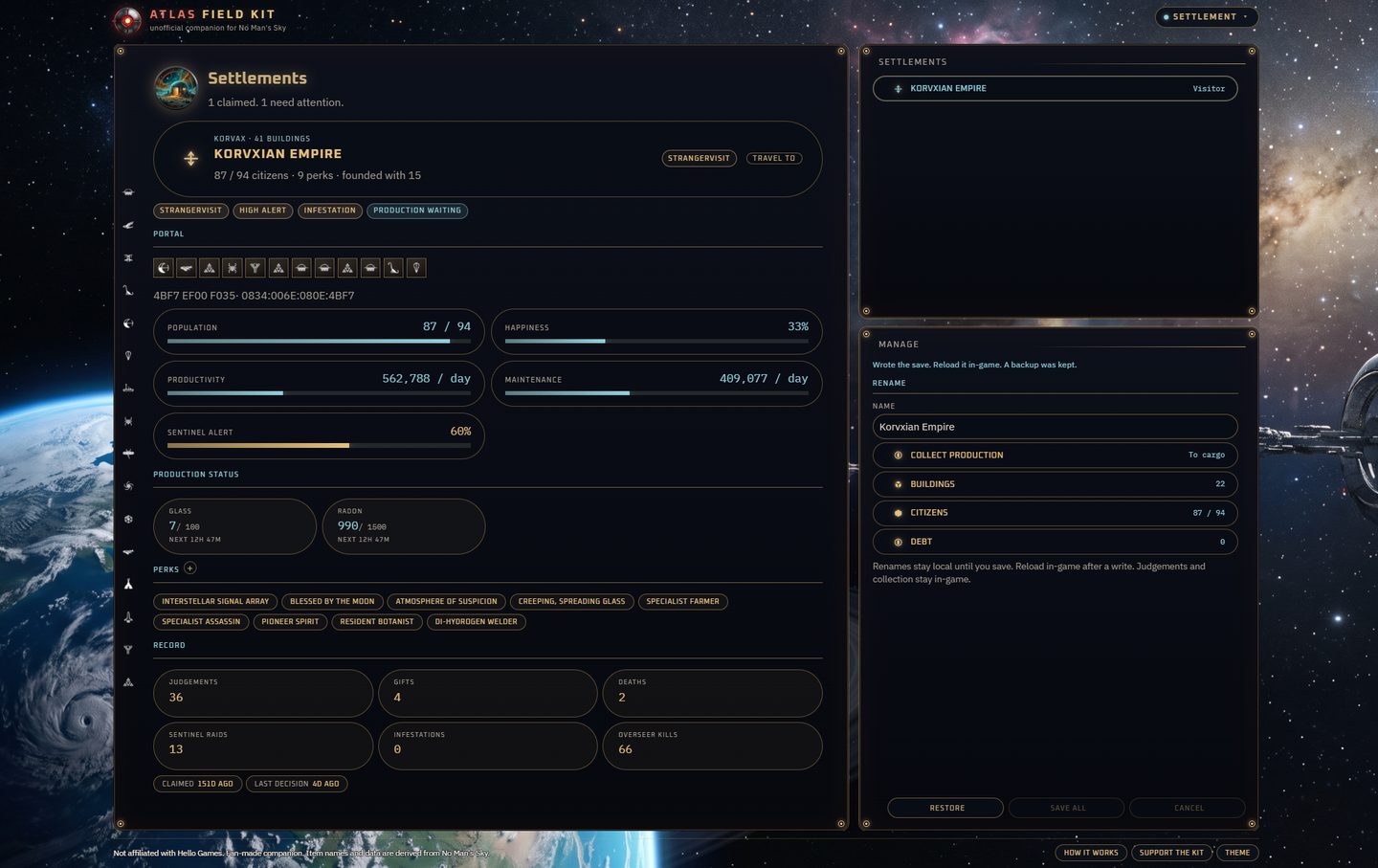
- Settlement · towns you have claimed, with meters, perks, and production
- The same reading lets crafting count what you already hold, lists portals you know, and fills Your records from that save
Saving edits · tray and browser
Edits wait on the screen where you made them. Save all writes the queue and keeps a backup. Reload that slot from the title screen so the game reads the file. A tray icon stays in the notification area while the kit is running, and the pages open in your browser.